 Storm Software
Home / Free tools / Pomodoro Timer
Pomodoro timer
Work in focused blocks with short breaks in between. Set your own lengths, press start, and the timer keeps time even if you switch to another tab. It also shows how much of your day is left, which helps when time feels slippery.
- Free to use
- No sign-up
- Runs in your browser
- Nothing you type is sent anywhere
Your settings
Timer
The timer works from the clock, not by counting ticks, so it stays accurate in a background tab. Your settings stay in this page only.
Want to save this and come back to it? Storm Focus keeps everything on your own device. See Storm Focus.
A calm planner that works with your brain
Storm Focus puts your top 3, a time blocked day, a brain dump inbox, a focus timer, routines and rewards in one offline app. It is a planner, not medical advice, and your data stays on your own device.
- Top 3 and time blocks
- Focus timer and routines
- Weekly review and rewards
- Pay once, no monthly fees
One payment. No subscription. Works offline and your data stays on your device.
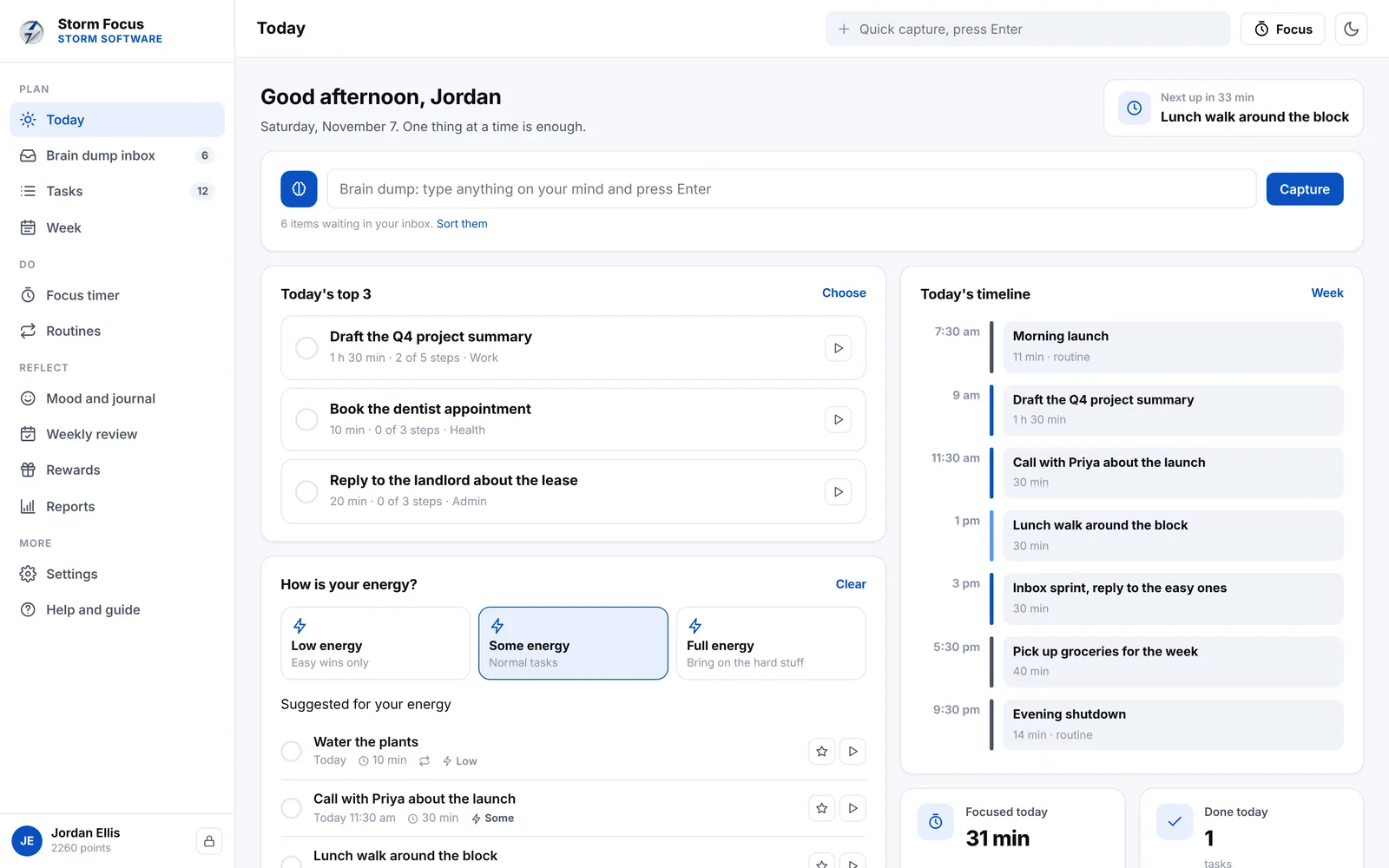
How the Pomodoro technique works
The Pomodoro technique splits work into short focused blocks with breaks in between. A common pattern is 25 minutes of focus, a 5 minute break, and a longer break after four rounds.
Why short blocks help
A fixed block with an end in sight makes it easier to start, and the break gives you a planned moment to stand up, drink water or check messages, so you are less tempted to do it mid task.
Choosing your lengths
25 minutes is only a starting point. If 25 feels long, try 10 or 15 minutes. If you get into a flow easily, try 45 or 50 minutes with a longer break. The right length is the one you can start without dread.
How much of today is left
Time can be hard to feel. Seeing the hours left in your day, and how many focus rounds still fit, makes it easier to choose what really matters before the day runs out.
Make the timer part of a plan
The timer works best with one clear task per round. Pick the task before you press start, and break big jobs into a first tiny step you can finish in one block.
Read more: How to plan your day with ADHD.
Frequently asked questions
Does the timer keep going if I switch tabs?
Yes. It works from the clock rather than counting seconds, so it stays accurate in a background tab and catches up the moment you come back.
Why didn't I hear the sound?
Browsers only allow sound after you have clicked on the page. Press Start once and the beep will play at the end of each block, unless you chose Silent.
What lengths should I use?
Start with 25 minutes of focus and 5 minute breaks, then adjust. Many people do better with shorter blocks at first.
Is this only for ADHD?
No. Anyone who wants to focus in short blocks can use it. Many people with ADHD find timers and visible time helpful, but this tool is not medical advice.
Is anything I enter sent anywhere?
No. The timer runs entirely in your browser.
More free tools
Quick calculators and planners for home, family and small business. All free, all in your browser.