 Storm Software
Home / Free tools / Sales Tax and VAT Calculator
Sales tax and VAT calculator
Add sales tax, VAT or GST to a price, or work out how much tax is inside a total. Use any rate, add several lines and see the net, the tax and the gross for each one.
- Free to use
- No sign-up
- Runs in your browser
- Nothing you type is sent anywhere
Your amounts
Results
Rates change, and many places have several rates for different goods. Check the current rate with your tax authority before you charge it.
Want to save this and come back to it? Storm Books keeps everything on your own device. See Storm Books.
Keep your books without a subscription
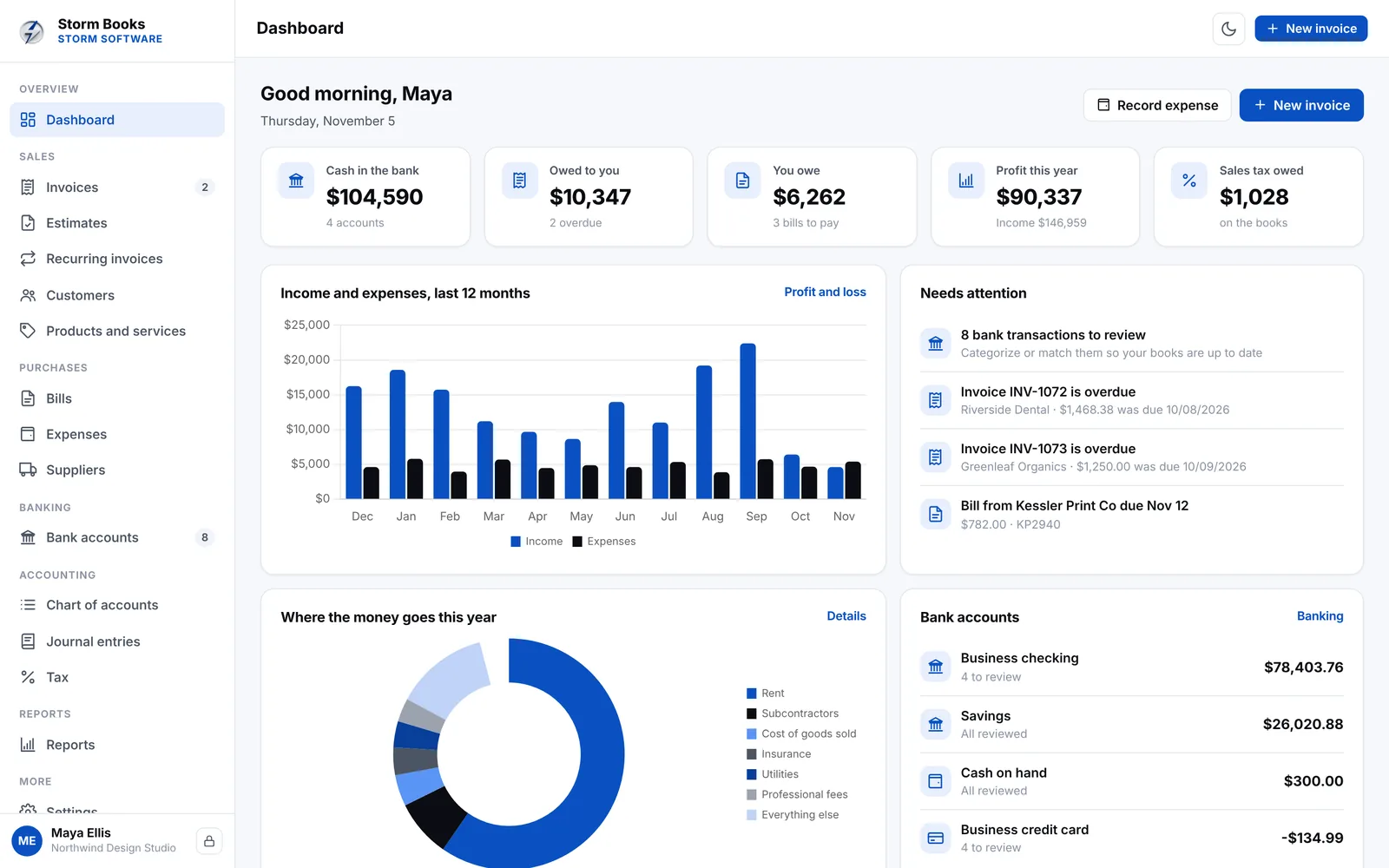
Storm Books handles invoices, bills, expenses, bank reconciliation and tax, with every report your accountant asks for. It works offline on your laptop, phone or tablet, and your financial records stay on your own device.
- Invoices, bills and expenses
- Bank import and reconciliation
- Sales tax, VAT and GST reports
- Pay once, no monthly fees
One payment. No subscription. Works offline and your data stays on your device.
How to add and remove tax
Sales tax, VAT and GST all work the same way on a single sale: the tax is a percentage of the price before tax. The difference is in who collects it and whether businesses can claim back the tax they pay.
Adding tax to a price
Multiply the net price by the rate to get the tax, then add it on. At 20%, a net price of 100 has 20 of tax and a gross price of 120. As a shortcut, gross = net × (1 + rate).
Removing tax from a total
Divide the gross by 1 plus the rate to get the net, and the difference is the tax. At 20%, a total of 120 is 120 ÷ 1.2 = 100 net, with 20 of tax. A common mistake is to take 20% off the gross, which gives 96 and understates the net.
Per line or on the total?
Rounding the tax on each line can give a slightly different total from rounding once on the invoice total. Both are usually accepted, but pick one method and use it every time. Your tax authority may say which it prefers.
Sales tax versus VAT and GST
US sales tax is charged once, at the final sale, and businesses generally can't reclaim it on their own costs. VAT and GST are charged at every step, and registered businesses claim back the tax on their purchases, so they pay only the difference to the tax authority. That is why a VAT or GST return shows both tax collected and tax paid.
Read more: Sales tax, VAT and GST: a plain guide for small businesses.
Frequently asked questions
How do I work out the tax inside a price?
Choose Remove tax, then enter the total you paid. The calculator divides by 1 plus the rate to find the net amount and the tax.
What rate should I use?
Use the rate your tax authority sets for what you sell. Some goods and services have reduced or zero rates. US sales tax rates also depend on the state, county and city.
Why is my total a cent different?
That is rounding. Rounding the tax on each line and rounding once on the total can differ by a cent or two. Switch the Round tax option to compare.
Is this tax advice?
No. It is a quick calculator. Check rates and rules with your tax authority or your accountant.
Does anything I type get sent anywhere?
No. The calculator runs entirely in your browser.
More free tools
Quick calculators and planners for home, family and small business. All free, all in your browser.