
Law Practice Management Software for Small Firms: What to Look For
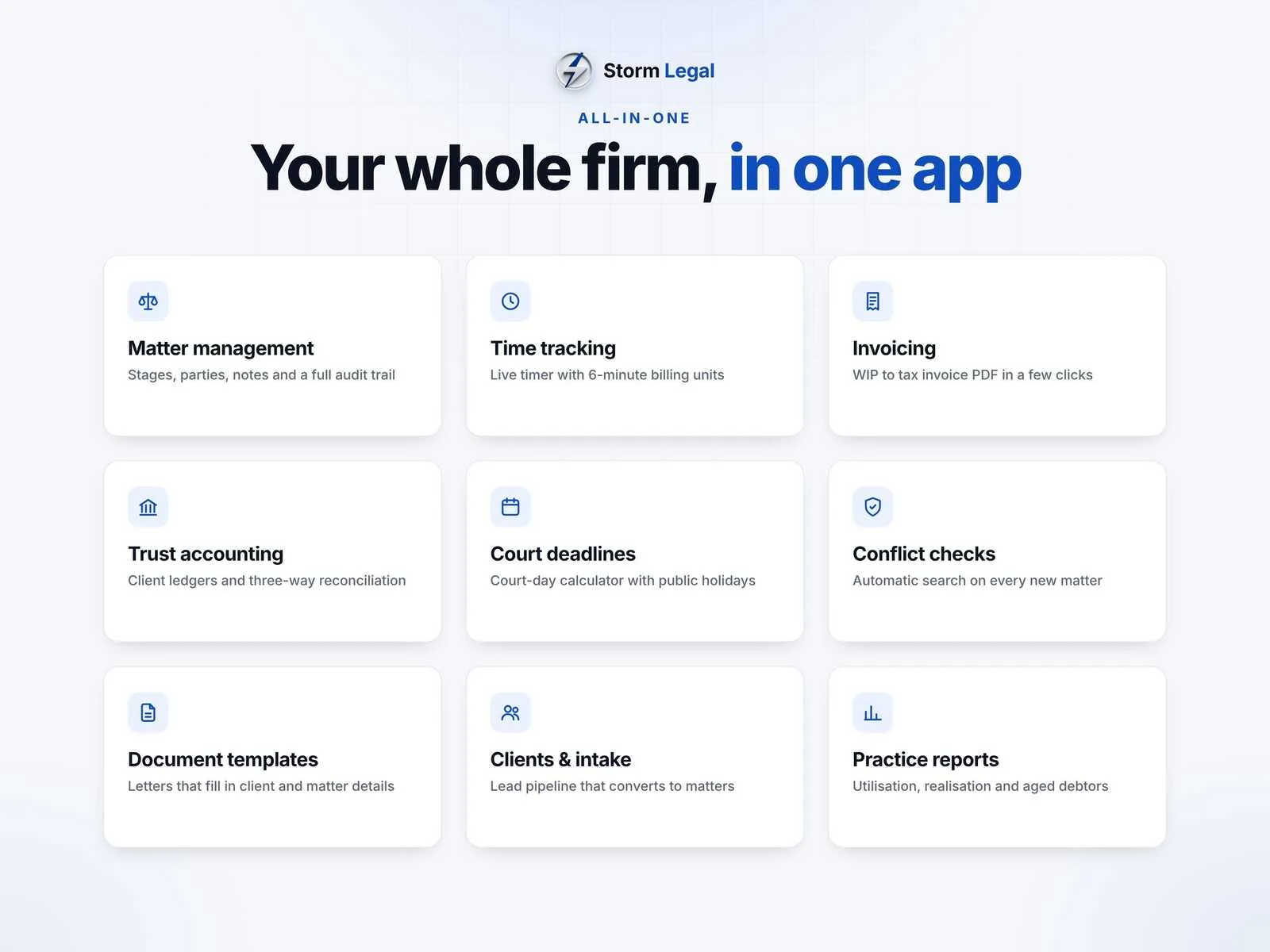
Solo attorneys and small firms often run on a mix of spreadsheets, calendar reminders and a separate billing tool. That works until a deadline is missed, time goes unbilled or the trust account will not reconcile. Practice management software brings it all together. This guide covers the features that matter most for small firms, and how to weigh cloud subscriptions against software you pay for once.
Matter management comes first
Everything in a law practice hangs off the matter. Each one should have its own workspace with the client, other parties, stage, tasks, file notes and documents in one place. A conflict check on every new client and matter is essential, as are alerts for limitation dates. If you work to fee estimates, the software should warn you before a matter goes over budget.
Time tracking and billing
Unbilled time is lost revenue. A live timer, billing units such as six minute increments, and a ready-to-bill list of unbilled work make it much harder for hours to slip through. Invoices should handle discounts, tax and disbursements, produce a professional PDF with your logo and record part payments.
- Live timer with adjustable billing units
- Ready-to-bill list of unbilled time and disbursements
- Tax invoices and client statements as PDF
- Part payments and aged debtors
For a broader look at invoicing, see our guide to invoicing software for small businesses.
Trust accounting you can defend
Client money needs careful handling. Look for a separate ledger for each client that cannot go into debit, clear records of deposits, payments out and transfers to fees, and a three-way reconciliation between the bank, the trust account and the client ledgers. Trust rules differ by jurisdiction, so make sure the records the software keeps meet your bar's requirements.
Calendar and court deadlines
Deadline calculators that count court days, skip weekends and public holidays and let you add office closures save time and reduce risk. Rule presets are a helpful starting point, but deadlines should always be confirmed against the current rules of your court.
Enquiries and new business
New matters often start as phone calls and emails that are easy to lose. An enquiry pipeline that tracks each potential client from first contact to engagement, with a conflict check before you accept, turns that into a reliable process. When an enquiry converts, the client and matter should be created without re-entering details.
Reporting on where new business comes from, and how many enquiries become paying matters, helps you decide where to spend time on marketing. For a small firm, even a simple monthly view of new matters, fees billed and fees collected is a big step up from guessing.
Documents and reporting
Templates that fill in client and matter details automatically, such as engagement letters, letters of demand and fee estimates, save real time on routine work. Reports on utilization, realization and matter profitability show where the firm actually makes money.
Cloud vs one-time software
Cloud practice management tools are usually priced per user per month, which adds up quickly as a firm grows. They are a good fit if you need remote access from many devices or client portals. One-time software that runs on your own computer keeps client data under your control, has no per-user fees and keeps working whether or not you renew anything. The trade-off is that you manage backups and there is no automatic sync between devices.
- Cloud: remote access and portals, ongoing per-user cost
- One-time: data on your own machine, no monthly fees, you handle backups
Questions to ask before you choose
Before committing to any system, run through a short checklist. Your answers will usually point clearly to one kind of tool.
- How many people need access, and from where?
- Do you hold client money in trust, and what records does your jurisdiction require?
- Do you bill hourly, fixed fee or both?
- How will you back up and how quickly can you restore?
- What will it cost over five years, not just the first month?
Common questions
Can a solo attorney manage without practice management software? Yes, for a while. But time tracking and trust records are where gaps hurt most, and a single system usually pays for itself through fewer missed billable hours.
Is offline software secure enough for client data? Data that never leaves your computer avoids the risks of third-party hosting. Security then depends on your device: use strong passwords, encryption and regular backups.
Can I move my existing data in? Most firms start new matters in the new system and close old ones in the old one, rather than migrating everything at once.
Security basics
Whichever route you choose, insist on role-based team logins, a password plus PIN lock, auto-lock when idle and a reliable backup and restore. Client confidentiality depends on the basics being done well.
Storm Legal covers matters, time and billing, trust accounting, deadlines and documents for $199 once. See the law practice management software.
Drafting your own engagement terms? Our contract clause checklist is a useful starting point.
You may also like: Storm Contracts, Storm Rentals, Storm Builder